Explore and navigate your world
Discover new experiences across the world or around the corner
Explore your world
With the redesigned Explore tab, find places to eat and things to do around you or when you travel.
Just for you
See recommendations for new and trending places based on your interests.
Create lists
Easily create lists of places you want to go, and add notes to the places you’ve saved. You can keep these lists private, share them with close friends, or share them publicly. You can also browse through lists created by publishers, Local Guides or Google.
Discover new experiences across the world or around the corner
Make your plans happen by connecting with the places you’re interested in
Follow your favorites
Stay on top of offers, updates and more when you follow your favorite businesses.
Book ahead
Make a reservation, book an appointment, or get tickets with just a few taps.
Learn more
Get answers fast
Message a business right on Google Maps to find out information.
Make your plans happen by connecting with the places you’re interested in
Navigate the world around you
Real time traffic updates
Find the best route when driving, with real-time updates on traffic jams, accidents, road closures and speed traps. You can also keep fellow drivers in the know by reporting incidents yourself.
Hands-free help with the Google Assistant
Your Google Assistant is now integrated into Google Maps so you can message, call, listen to music and get hands-free help while driving. Say “Hey Google” to get started.
Real-time updates for public transportation
Get up-to-the-minute updates on busses and trains, like departure times and how crowded the bus is. You can also see where on the map your bus is so you know if you need to walk a little faster to the bus stop.
Explore new places confidently
With Live View in Google Maps, see the way you need to go with arrows and directions placed right on top of your world. There’s less second guessing and missing turns.
Navigate the world around you
Control your data with confidence
Industry-leading data protection
Every day you’re Safer with Google. We use the most advanced technology like differential privacy to protect your data and build helpful features - like seeing how busy a place is so you can avoid the crowd.
Easy-to-use privacy controls
You’re in control. With Your data in Maps, you can easily view and manage your Location History and other account settings. Location History is off by default. When you turn on Location History, it can help you with real-time traffic predictions for your commute or reminisce about places you’ve been.
Search with Incognito mode
When you want additional privacy, use Incognito mode in Google Maps. When it’s turned on, you can navigate, search for places, and find business information from your device - all without searches or directions being saved in account.
Control your data with confidence
See how people are using Google Maps to explore what’s around them, put their communities on the map, and help others
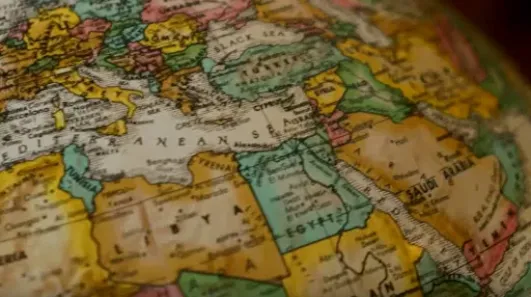
Why we map the world
Map making is an ancient human endeavor, and one that those of us working on Google Maps are honored to continue to pursue
Mountain View, California
Link to Youtube Video (visible only when JS is disabled)
More stories
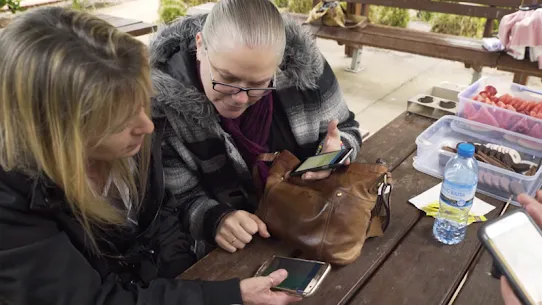
Melbourne, Australia
Mums who map
A group of Local Guides, Mums who Map, dedicated their time to help parents find kid-friendly places in Melbourne, Australia.
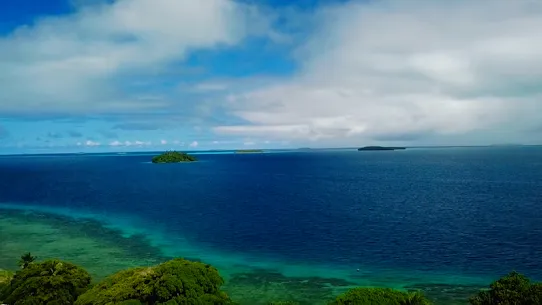
Nuku’alofa, Tonga
Mapping Tonga
Tania Wolfgramm and Wikuki Kingi set out to bring Tonga to Street View for all the world to see.
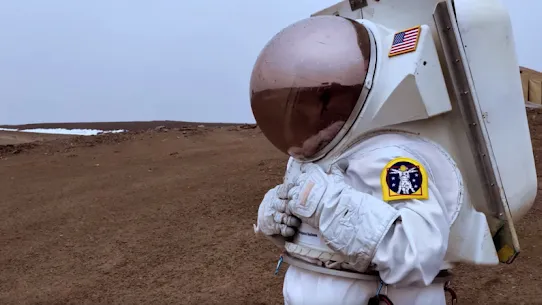
Devon Island, Canada
NASA Camp
Together with the Mars Institute and NASA, Google Maps documented the research that goes on Devon Island, the most Mars-like place on Earth.
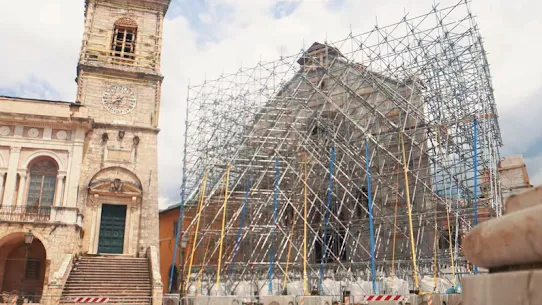
Norcia, Italy
Mapping Italy’s Recovery
One Local Guide records the aftermath of Italy’s earthquakes to show the world that they still need help recovering.
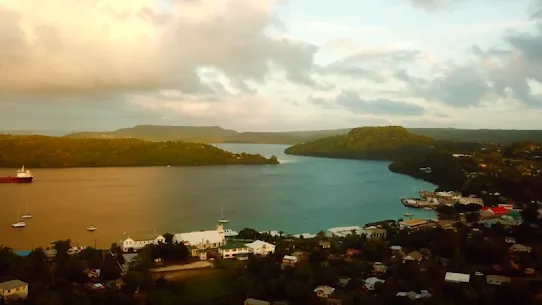
Kerala, India
Kerala Flood Rescue
Bobby Kurian used Google Maps to tag her parents’ location to help rescue them in the Kerala floods.

Nigeria
Supporting Women’s Rights
With the help of Local Guides and Google Maps, Princess Ilonze got hospitals and police stations on the map to help save lives.
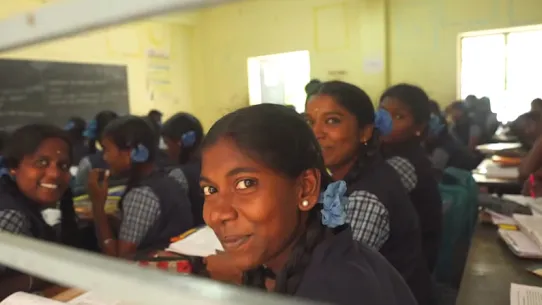
India
Kids in India
The India Literacy Project teamed up with Google to help students explore the world through photos uploaded by Local Guide.
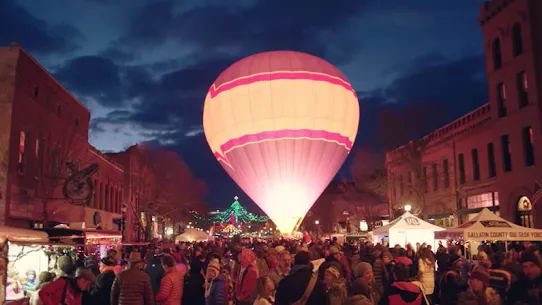
Bozeman, Montana
Connecting to Bozeman
One Local Guide was inspired to celebrate and show off her hometown in a unique way.
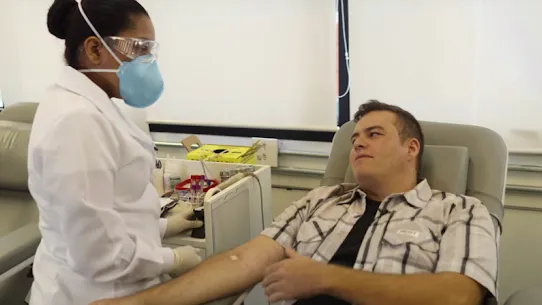
Sao Paulo, Brazil
Mapping Blood Donation Sites
Local Guide Adriano Anjos in Brazil mapped Sao Paulo’s blood donation centers on Google Maps.
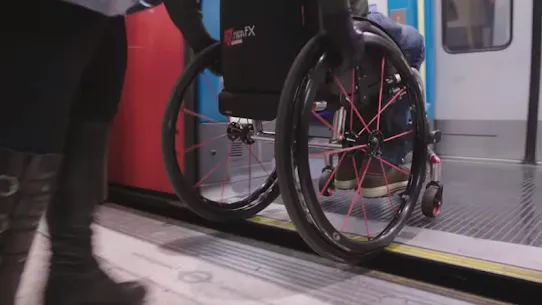
London, England
Wheelchair Accessible Routes
Wheelchair-accessible routes on Google Maps has made getting around easier for Meridtyh, Omari, Adam, and Lucy.
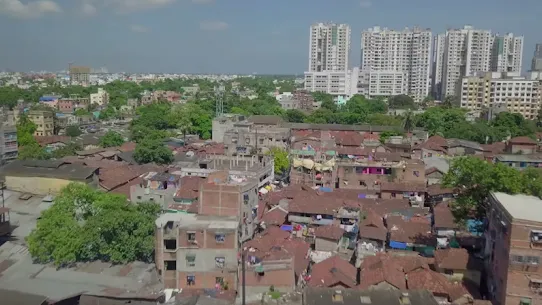
Kolkata, India
Plus Codes
Plus Codes creates geographical coordinates that provide an address to those who previously had none.
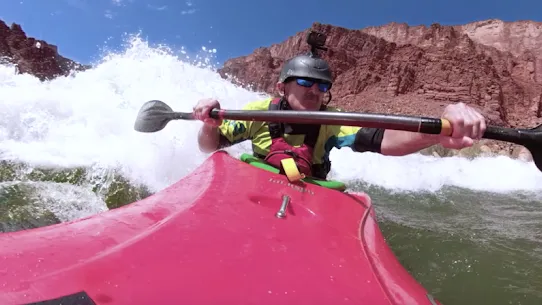
Grand Canyon National Park
Vets Kayak The Grand Canyon
Five blind veterans kayaked through the Grand Canyon and documented their journey on Street View.
Google Maps Blog
Read articles, interviews, and more to learn what’s new on Google Maps
Get Google Maps